Malbers Animations makes some amazing character assets in a variety of styles. Aside from the art, what makes their assets so amazing is the level of detail put into the animations (and controllers) to go with them. Malbers could double their prices and it’d still be a good deal for these assets.
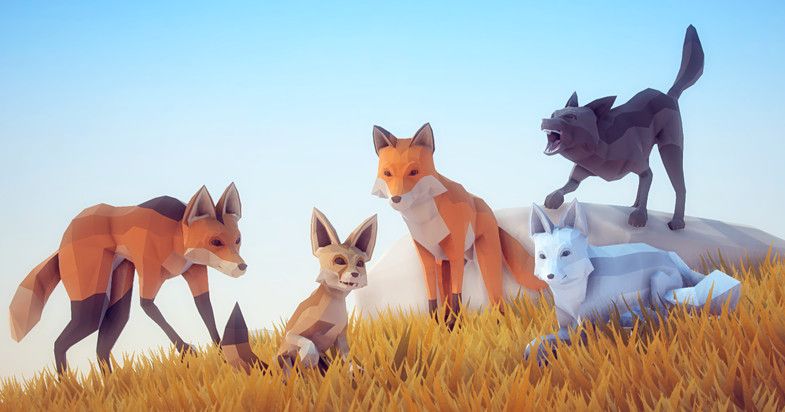
Of course, with great power comes great… amounts of code to comprehend and glue together. Thankfully Malbers both wrote clean, well organized code (full of comments) and provided some documentation to go with it.
Using this Poly Art Fox would’ve been pretty straight forward, except I want to control it via Opsive’s Behavior Designer (note the lack of a ‘u’ in behavior).
Behavior Designer’s Movement pack is made to control asssets via Unity’s NavMesh, but doing so directly doesn’t trigger any of the animations. So, naively, wiring BDD’s Seek task to the Poly Art Fox cause the fox to slide across landscape while playing the default Idle animation.
The fix for this seems to be writing my own BDD tasks and causing them to use the Malbers AnimalAIControl script attached to the Fox.
My first attempt at a BDD task that worked was this:
/*
 * This uses the AnimalAIControl script to direct the character in order to take advantage
 * of all the animations and features.
 *
 * Requires the Malber AnimalAIControl component and the Unity NavMeshAgent component.
 *
 * Currently this sets a new target every update (rather than calling AnimalAIControl.UpdateTargetTransform()
 * which would be more efficient, but I'm not sure how to handle detecting new vs same target stuff yet.
 *
 * The HasArrived() is sort of hacky, but it'll probably work. I'm not sure how it'll work in conjunction with Actions
 * from the AnimalAIControl and OffMeshLinks, but TODO: Check here if Animal Actions break BD.
 *
 */

using BehaviorDesigner.Runtime;
using BehaviorDesigner.Runtime.Tasks;
using MalbersAnimations;
using UnityEngine.AI;

[TaskDescription("Seek the target specified using AnimailAIControl and Unity NavMesh.")]
[TaskCategory("Animal")]
[TaskIcon("Assets/Behavior Designer Movement/Editor/Icons/{SkinColor}SeekIcon.png")]
public class AnimalSeek : Action
{
	[Tooltip("The GameObject that the agent is seeking")]
	public SharedTransform target;

	protected AnimalAIControl AIControl;
	protected NavMeshAgent NavMeshAgent;

	public override void OnStart()
	{
		NavMeshAgent = gameObject.GetComponentInChildren<NavMeshAgent>();

		AIControl = GetComponent<AnimalAIControl>();
		AIControl.SetTarget(target.Value);
	}

	// Seek the destination. Return success once the agent has reached the destination.
	// Return running if the agent hasn't reached the destination yet
	public override TaskStatus OnUpdate()
	{
		if (HasArrived()) {
			return TaskStatus.Success;
		}

		AIControl.SetTarget(target.Value);

		return TaskStatus.Running;
	}

	protected bool HasArrived()
	{
		if (NavMeshAgent.remainingDistance <= AIControl.StoppingDistance && NavMeshAgent.isStopped)
		{
			return true;
		}
		return false;
	}

	public override void OnReset()
	{
		target = null;
	}
}
I think that will work overall, but I expect some edge cases to fail. However, I don’t know if I’ll ever hit those situations so I’m not spending time dealing with it now (YAGNI).
